Spectral shield
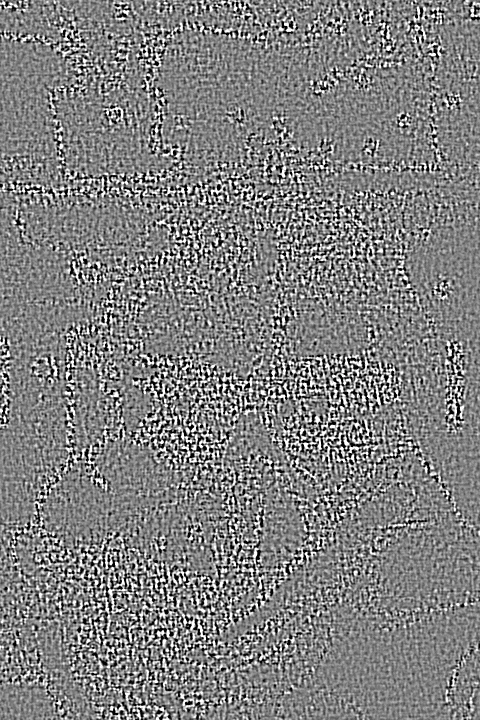
Every proof carries keyed, mid-frequency noise shaped to the photo's own detail and hidden in its texture. It's the same for every copy, so it can't be averaged away.
A new way to proof, built for the AI era
Watermarks no longer protect your proofs. Free AI tools erase them in seconds, and every clean copy is a print order you don't get. ProofProtector works differently: instead of covering your photo with a mark, it never sends the photo at all. Clients see a proof that looks right on screen, with faces marked, detail capped and a keyed shield woven in.
No client sign-up. JPEG, PNG and WebP.
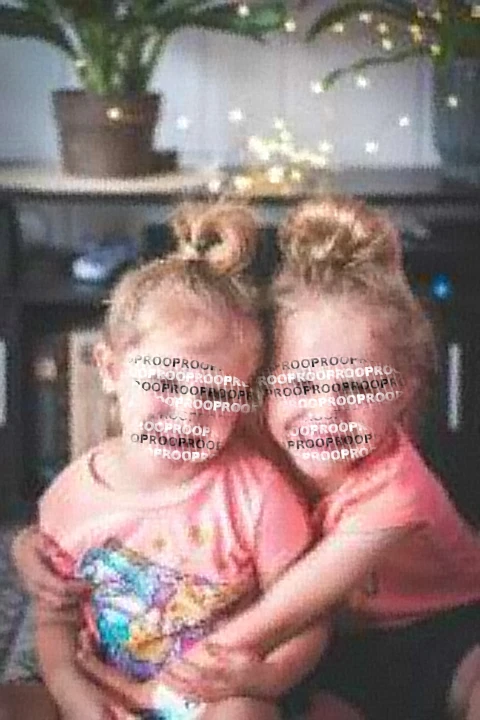 Real proof · what clients see
Built for photographers who sell the print
The problem
AI made removing a watermark a one-tap job. Your clients don't have to be thieves: when a clean copy is free and instant, plenty of people take it instead of ordering. Every one is a print sale you lose.
Removing a watermark took skill, paid software and an afternoon. Most people didn't bother, so a visible mark was enough.
Upload a proof to a free website and the mark is painted out in seconds. No skill, no software, no cost.
Phone galleries ship one-tap erase tools, and chatbots will redraw a photo from a screenshot on request. Each new model makes it easier.
The full image is already on the client's screen. A screenshot captures it in one press, no tools needed.
100% of the image captured by a screenshot.
Free AI upscalers sharpen a small proof back up, and the faces, the part that matters, come through intact.
82% of faces still recognisable after an AI upscaler, in our tests.
What it costs you
Most clients who keep a free copy never tell you. You just see a smaller order, or none. Move the sliders to match your business.
An estimate from your own numbers, not an industry figure.
The old way
Cover the photo with a mark and hope nobody removes it. The full photo still reaches the client, so any AI tool has everything it needs.
The ProofProtector way
Never send the photo. Clients get a proof with capped detail, marked faces and a keyed shield. There's no clean copy for any AI to recover, because it never left the server.
Live sample
This is the real ProofProtector viewer, running on our sample gallery. Hold down on the photo (or touch and drag on a phone) to open the loupe and check focus and expressions up close.
Sample gallery
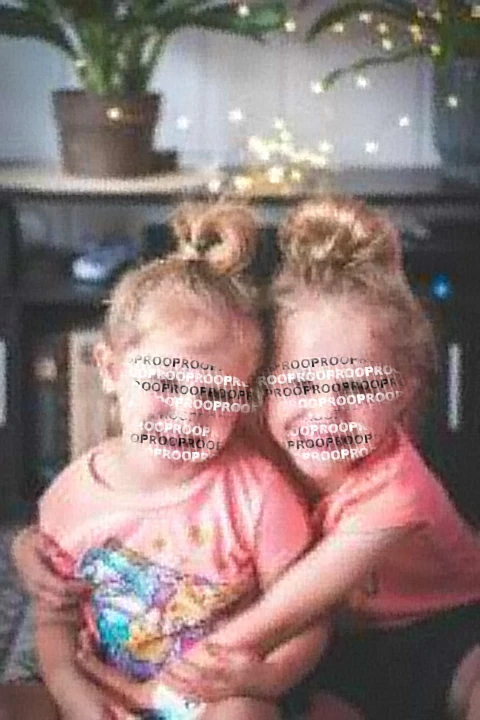
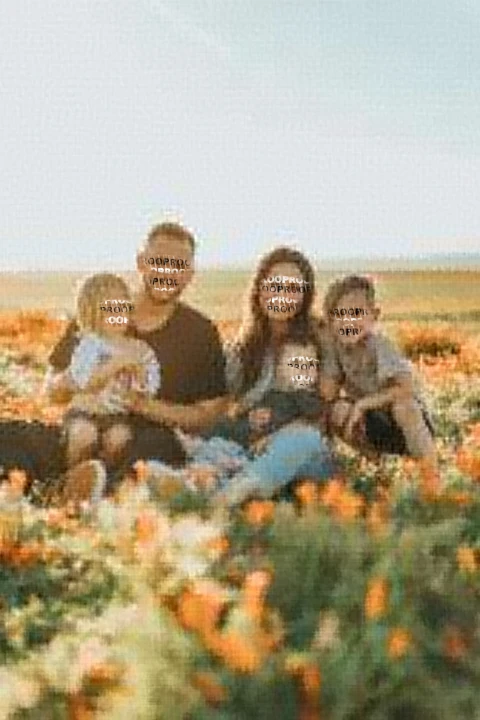
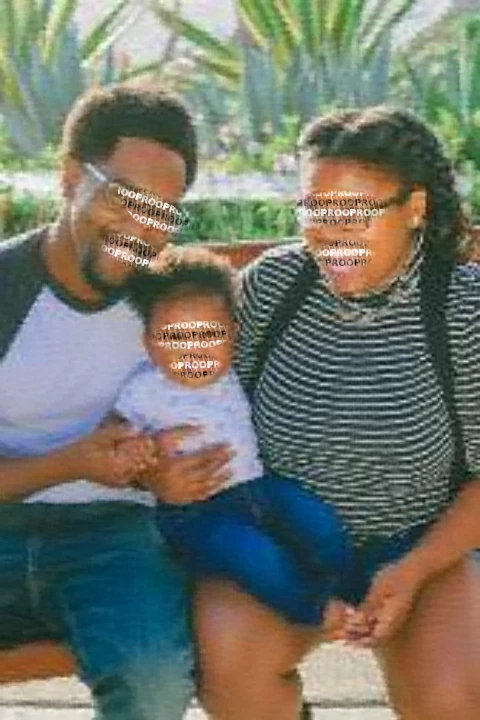
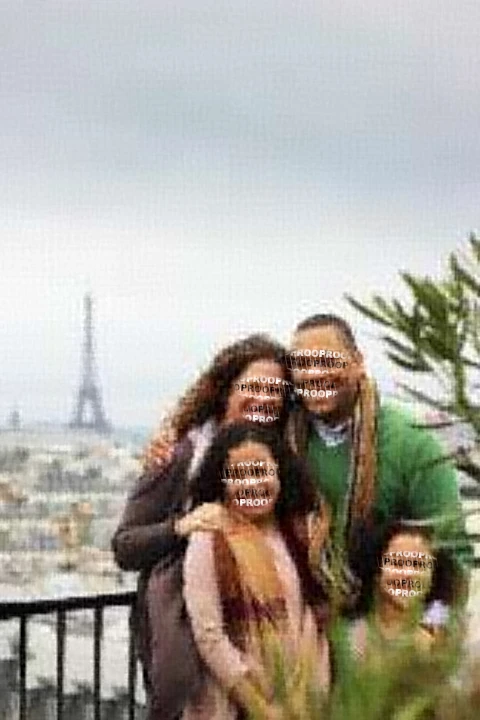
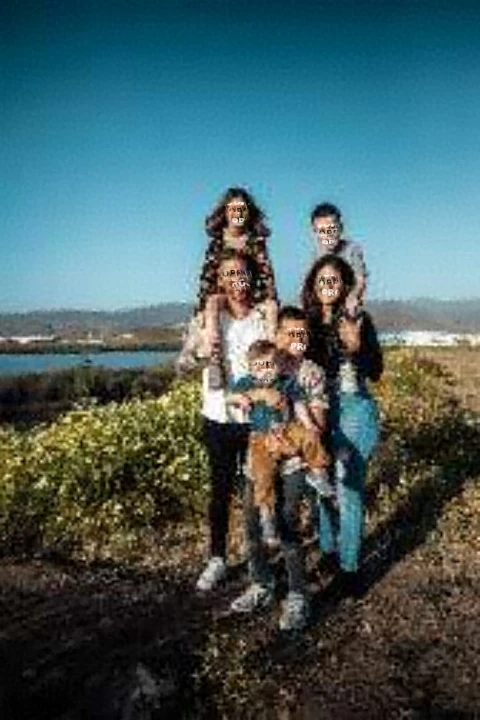
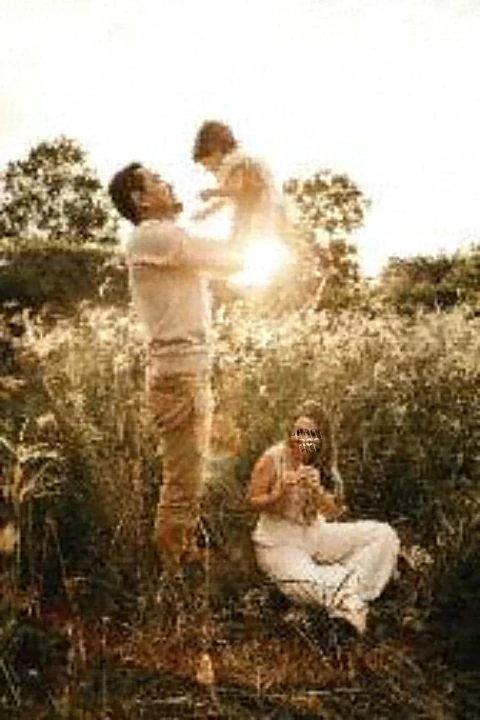
Every photo below went through the same renderer your clients' proofs do. Faces were found and marked automatically, and detail was capped before anything left the server.
Upload a photo and get a protected proof in seconds. It stays private to you.
Features
Four layers of protection that work together, so you can share proofs freely and still sell the prints.
Every proof carries keyed, mid-frequency noise shaped to the photo's own detail and hidden in its texture. It's the same for every copy, so it can't be averaged away.
Face detection finds every face and burns a PROOF mark over the eyes and mouth, exactly where a stolen photo would need to be clean.
Clients can check focus and expressions up close. Each viewer may reveal at most 60% of a photo, in small marked tiles, rate limited.
Originals sit in private storage and are never served. Proof images are fetched through signed links that expire within minutes.
Share a gallery link by email or text. Your client opens it in any browser, no account needed.
Open the sample galleryHow it works
Upload as usual. ProofProtector builds every protected file on the server, so the browser never holds a clean copy of your photo.
Uploading 24 photos
Your full-size originals go straight to private storage, with a 2400px copy for rendering proofs.
Proof renderer
The renderer runs on the server and never leaves it. Each photo is ready in seconds.
Client link
Clients browse, press and hold to inspect, and pick favourites. You keep the originals.
Why it holds up
Visible watermarks and right-click blocking stop casual saving. They don't stop a screenshot or an AI cleanup tool.
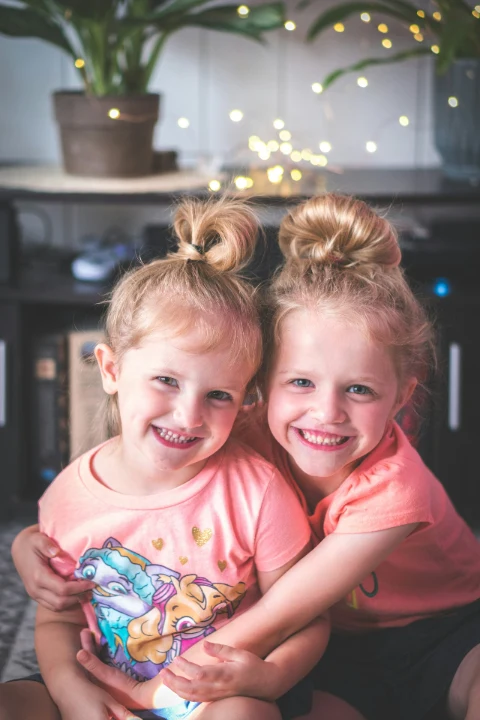
 Before
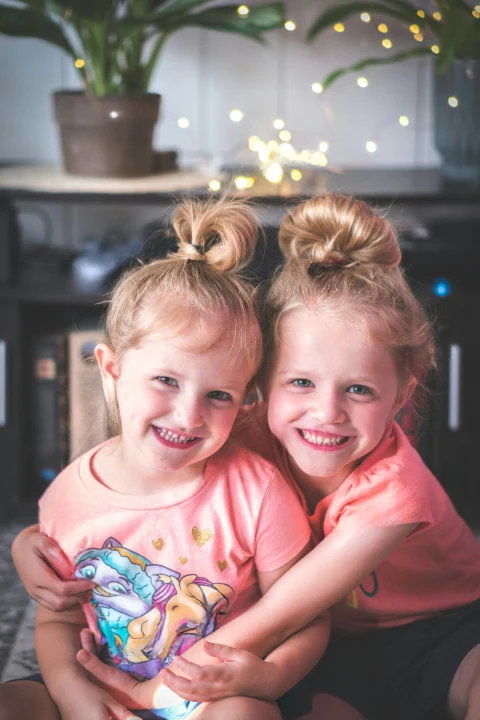
 Before
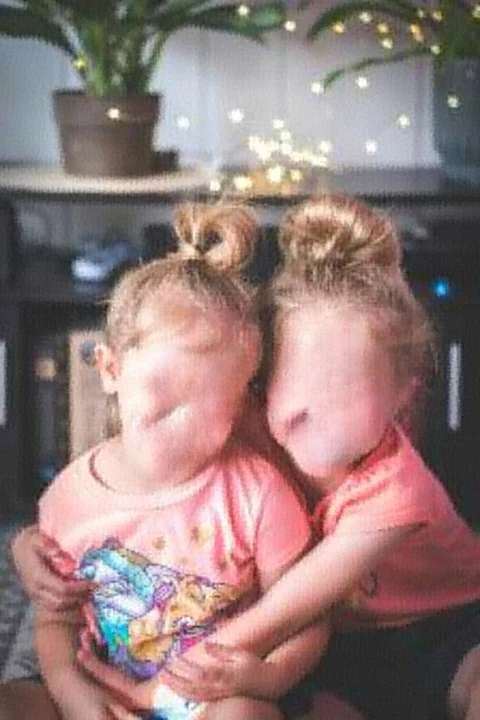
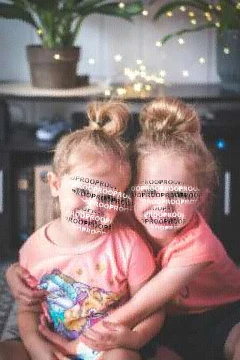
Real output, not a mock-up. Middle: LaMa, the open-source AI model behind many free watermark removers, with the exact watermark area marked for removal. Right: a ProofProtector proof through the same model, with its marks marked for removal. The ProofProtector proof includes the spectral shield.
Share of faces that face-recognition software still matches to the real person. Lower is better.
9%
of faces recognisable in a saved copy of a ProofProtector proof
Visible watermark: 100%
5%
recognisable after an AI watermark remover
Tiled watermark: 95%
41%
of the original's image quality left after the remover
Tiled watermark: 99%
Measured on our 6 sample photos (22 faces), so treat the figures as early results. Faces are matched with OpenCV's SFace model at a threshold only 1% of pairs of different people reach; image quality is MUSIQ, as a share of the original's score. ProofProtector figures are for the proof as served, spectral shield included. With only 22 faces, the shield's effect on face matching is within the margin of error; its clearest effect is on quality, which the shield lowers from 55% to 41% after the remover.
| Protection | Visible watermark | Right-click blocking | ProofProtector |
|---|---|---|---|
| Screenshot | Clean copy, mark included | Full image captured | 336px, faces marked, shielded |
| AI watermark removal | Often removed in seconds | Nothing to remove | Only 336px of detail to work with |
| Original in the browser | Usually full size | Yes, in the page | Never sent |
| Faces usable in a crop | If the mark misses them | Yes | Eyes and mouths marked |
| Client can check detail | Yes | Yes | Metered loupe, up to 60% |
Pricing
Start free with a full gallery. Upgrade when you're ready to send proofs to every client.
Try ProofProtector on a real shoot.
One gallery, free for as long as you like.
For working photographers sending proofs every week.
Everything you need to proof every client.
For schools, events and multi-photographer studios.
High volume, team seats and priority help.
FAQ
What photographers usually ask before sending their first protected gallery.
They can, but all they get is the proof: 336px of real detail, marked faces and the spectral shield woven through it. That's fine for choosing favourites and no use for printing.
Up close it shows as a fine grain, mostly in textured areas like hair and foliage; flat areas like sky are kept cleaner. At normal viewing size the proof reads as your photo.
The mark is burned in after the detail is cut, the shield is added on top, and the original is never sent. Removing the mark would still leave a soft 336px image, which is no use for printing. The shield isn't tuned against any particular AI model, so we don't claim it defeats them on its own.
Yes, and that's why we don't rely on a watermark. A better model can only work from what it's given: a 336px proof with marked faces. It can guess at what's missing, but the guess isn't your photo and isn't fit to print.
They're kept at full size in private storage. Proofs are rendered on the server from a 2400px copy made in your browser. Neither is ever served to a viewer.
Pressing and holding opens a loupe built from small, marked tiles. Each viewer can reveal at most 60% of any one photo, and requests are rate limited.
No. You send a gallery link and they open it in any modern browser, on phone or desktop.
Ready when you are
See a protected proof in seconds. Upload one of your own photos and see what your clients get.